
Back to Square equipment
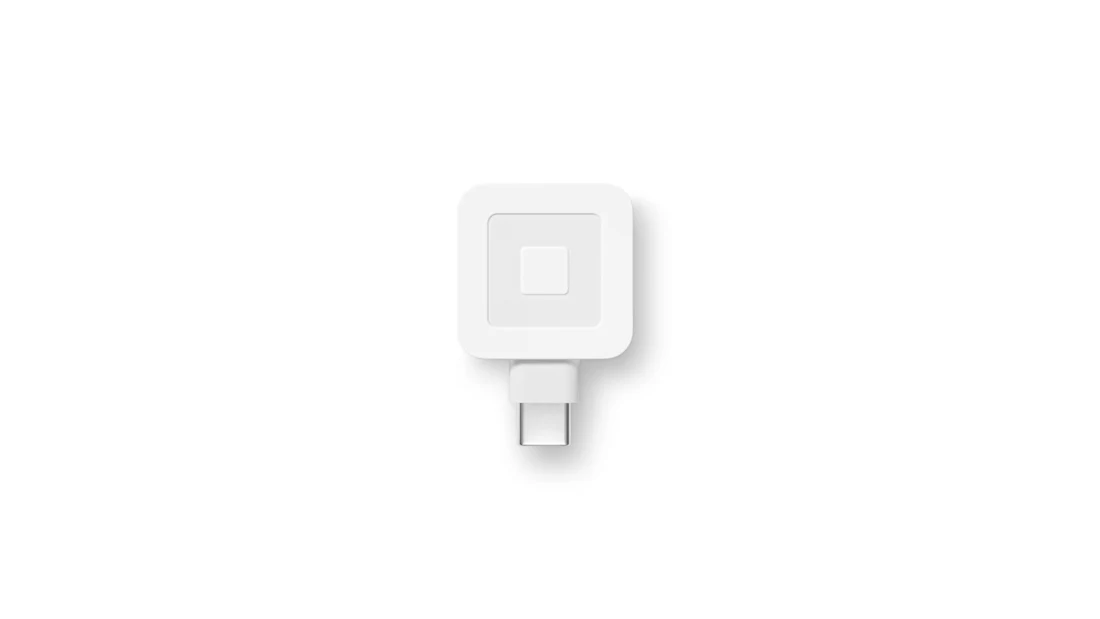
Square Reader for magstripe
Swipe cards with a compatible device. The photo shows the USB-C version; confirm the connector on your phone or tablet.
Specs & downloads
Best for: Swipe cards on a compatible phone or tablet.
Square Reader for magstripe (USB-C pictured)
- Payments
- Swipe only; use the contactless and chip reader for tap or chip.
- Connector
- USB-C pictured. Match USB-C, Lightning or 3.5 mm headset-jack version to your device.
- Power
- No charging required.
- Receipts
- No built-in printer; check compatible external printing.
- Required device
- Compatible phone or tablet and Square app; confirm your exact connector.
- Download spec sheet (PDF)
- View specs on Square
- Square setup guide (HTML)
- Check my iPad or mobile device
Buyer sheet published by JustPayments. Technical information sourced from Square. Confirm model and accessories before quoting.
For tap and chip: view Square ReaderReturn to my setup and get a quote